01
Declaration
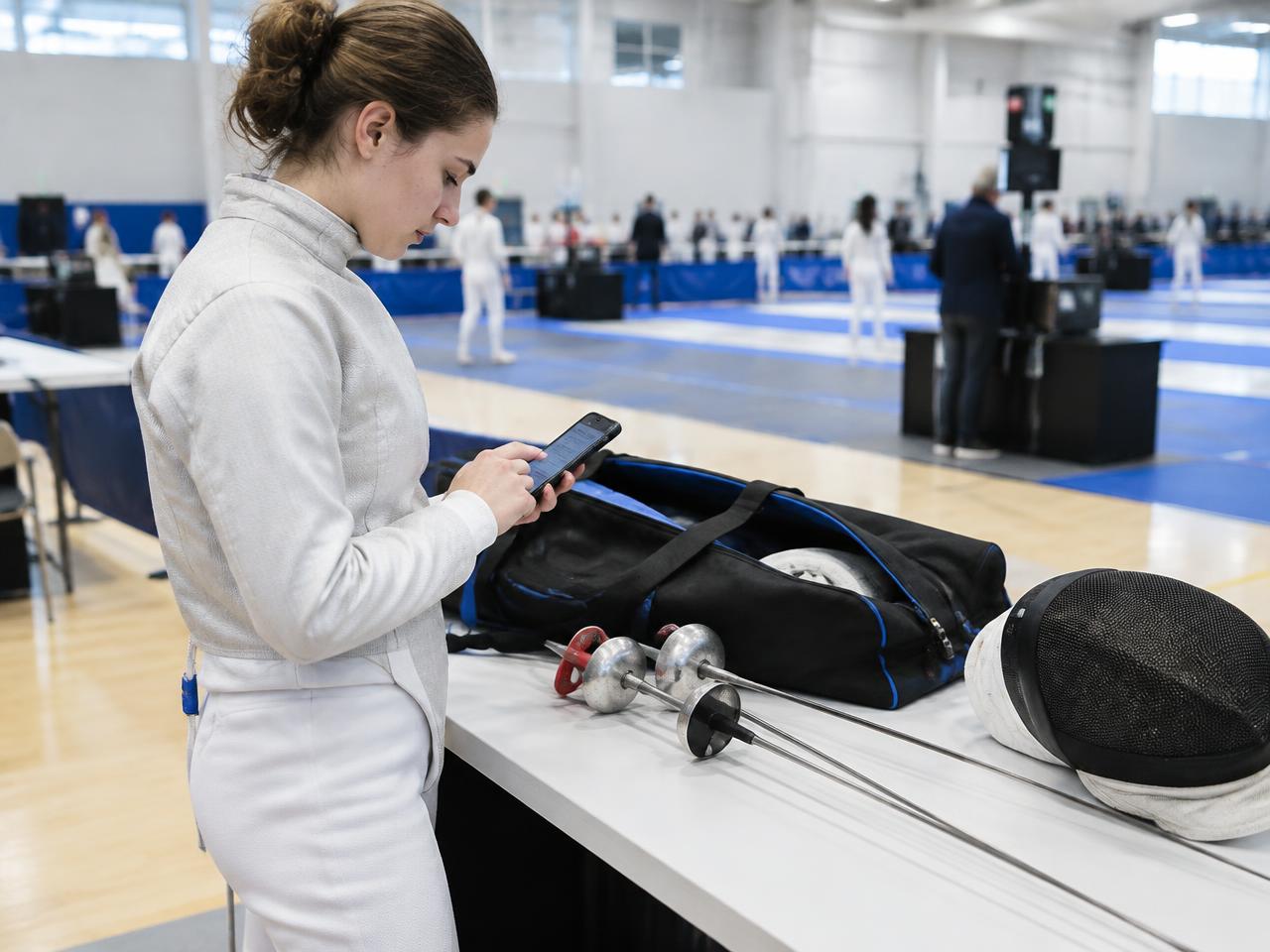
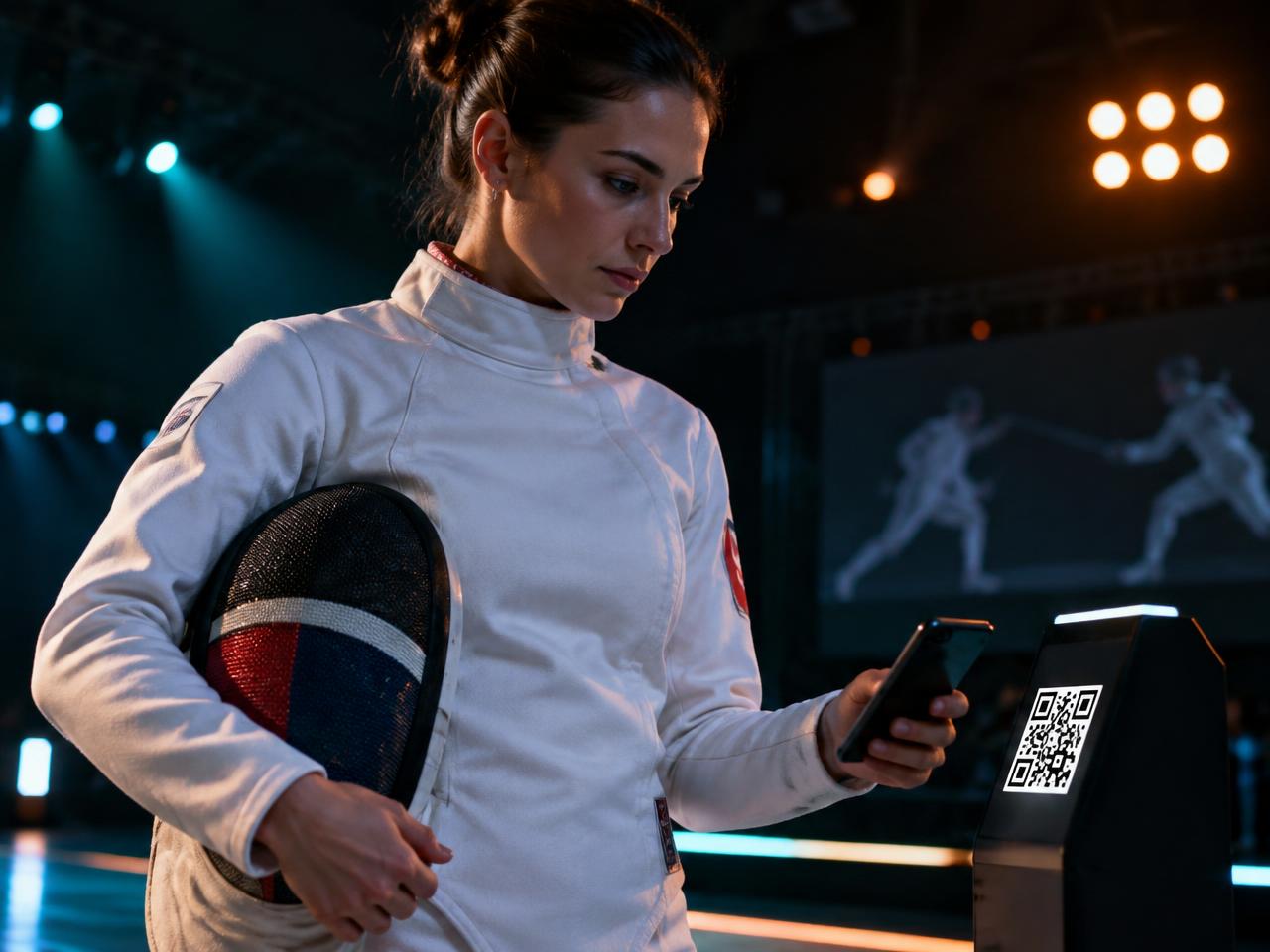
Athletes declare the equipment they are submitting for control.

How it works
The armoury workflow, the DT call room, the officials pool and the equipment showcase, step by step.
Athletes declare the equipment they are submitting for control.
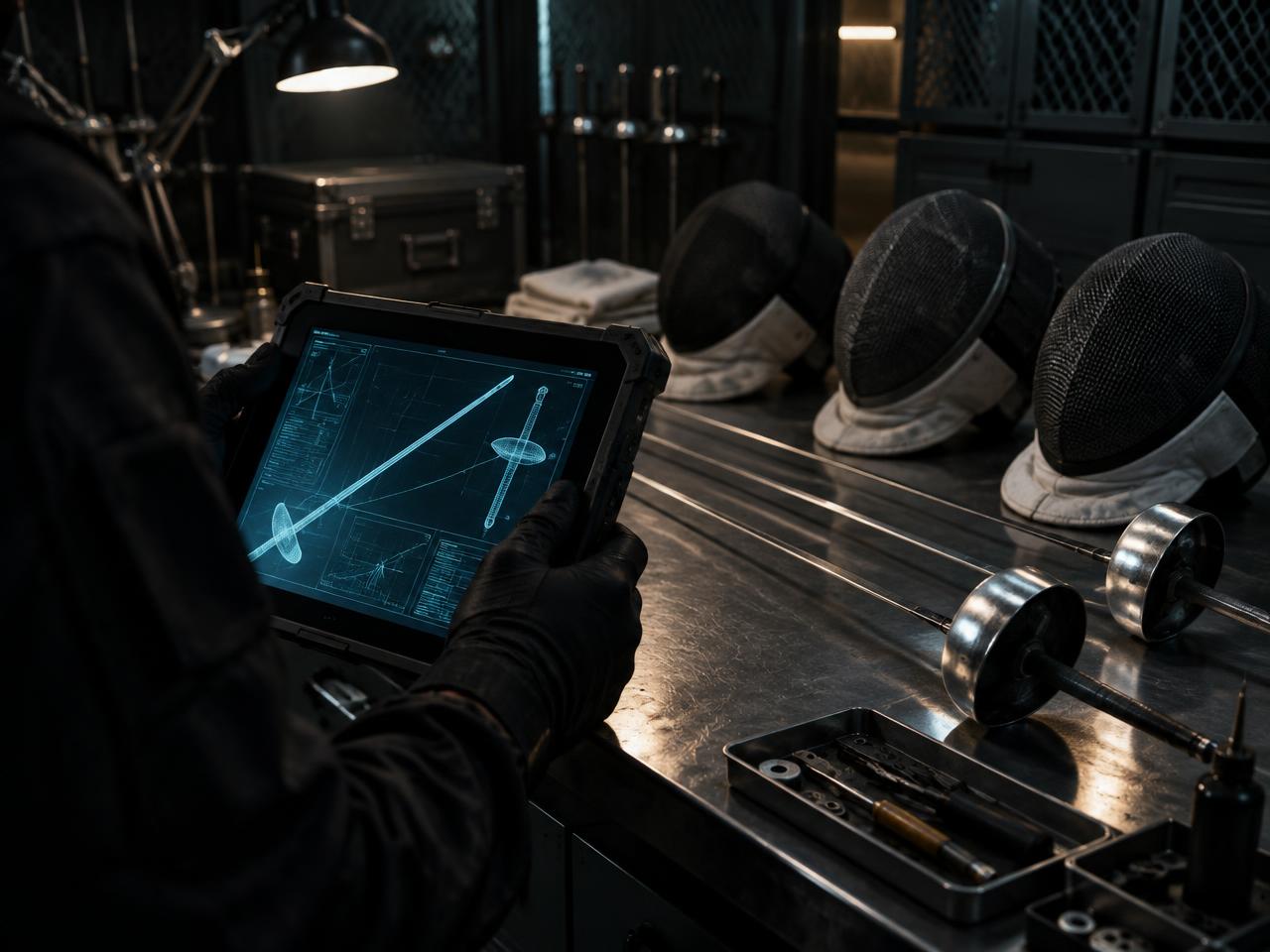
Armoury staff scan the athlete’s QR, receive the equipment and record the submission.
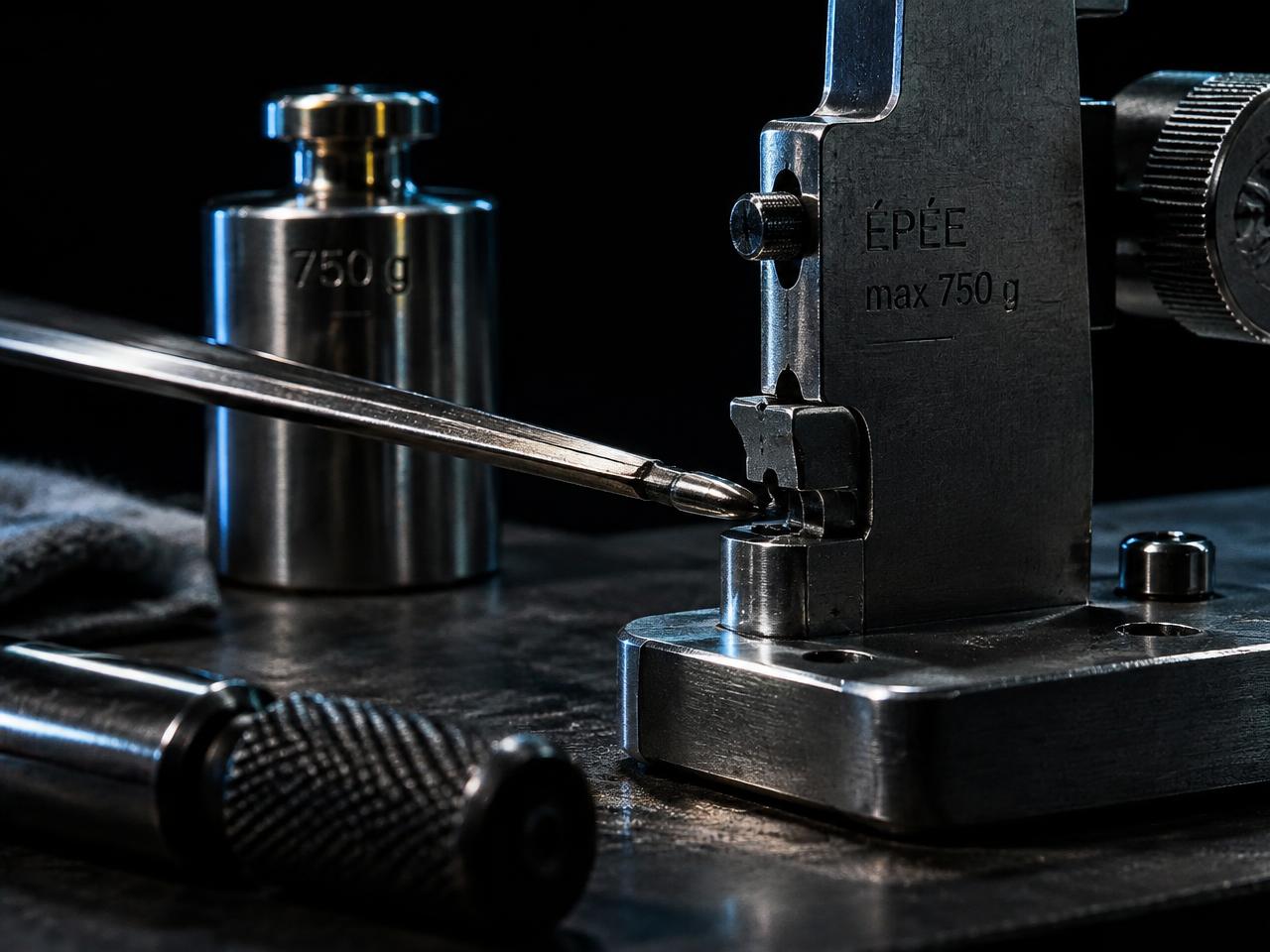
Equipment moves through the required mechanical and electrical inspection stations.
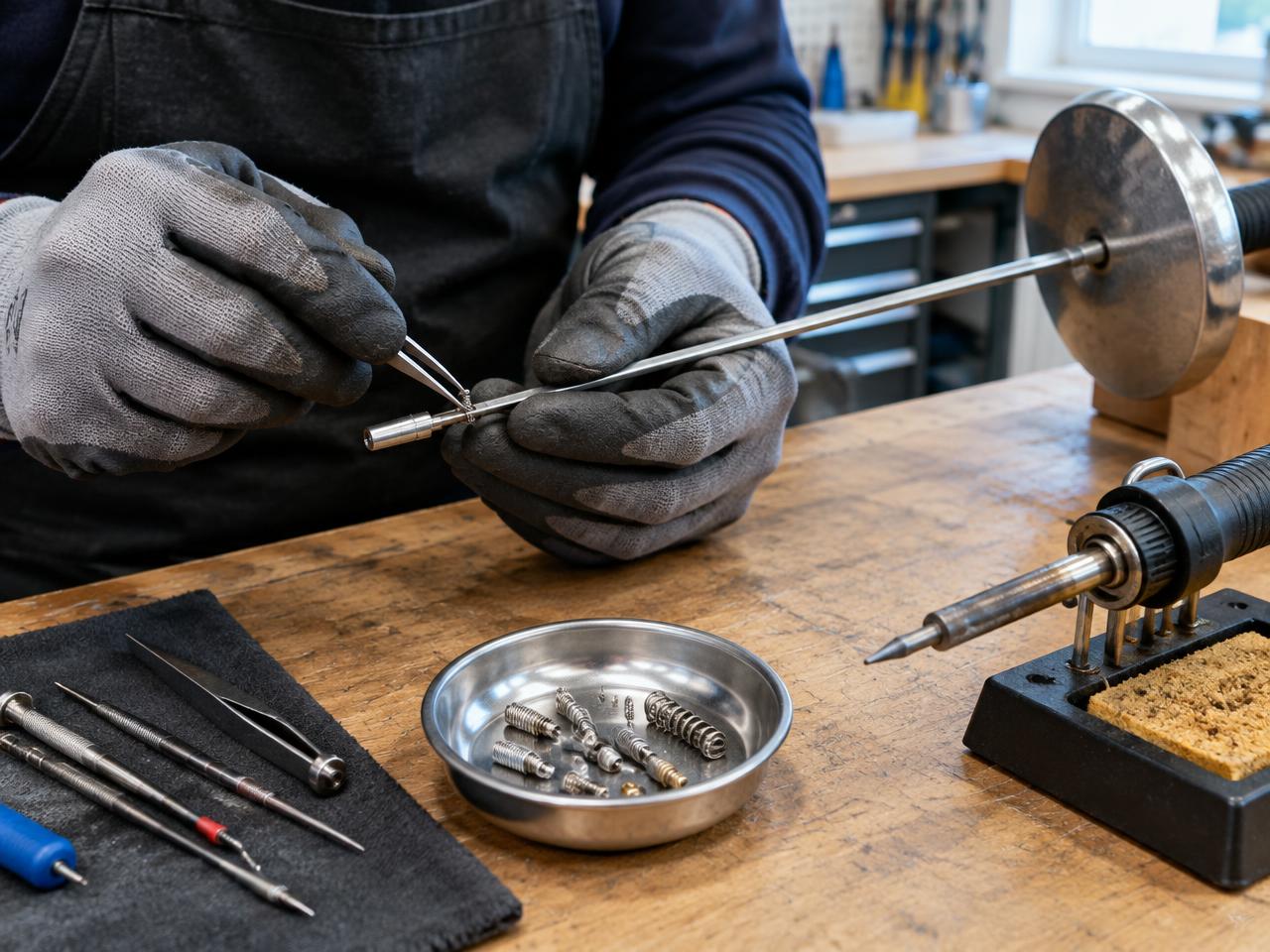
Failed equipment can be repaired and returned for reinspection.
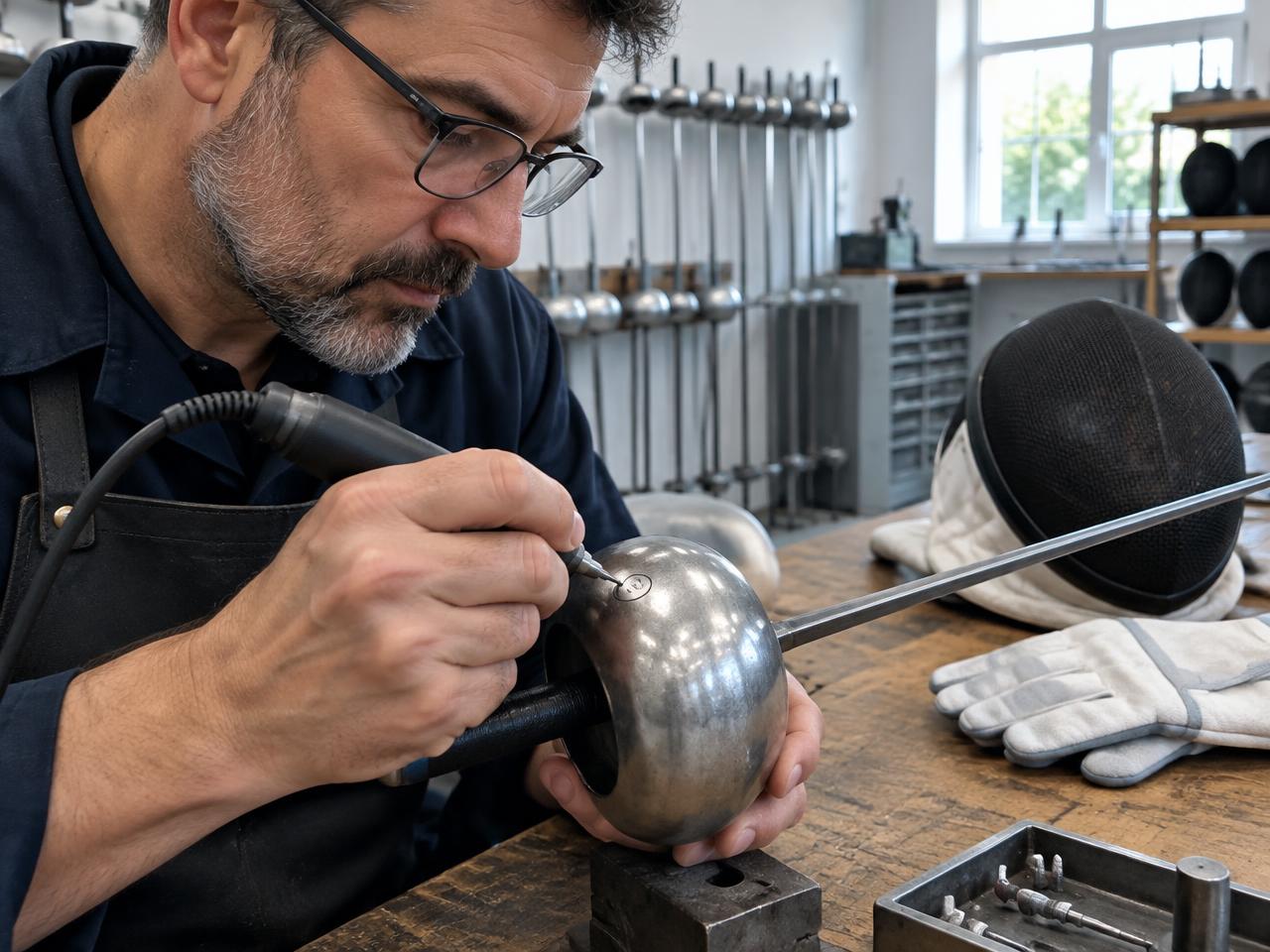
The Chief Armourer reviews the results, confirms the control marking and clears the equipment.
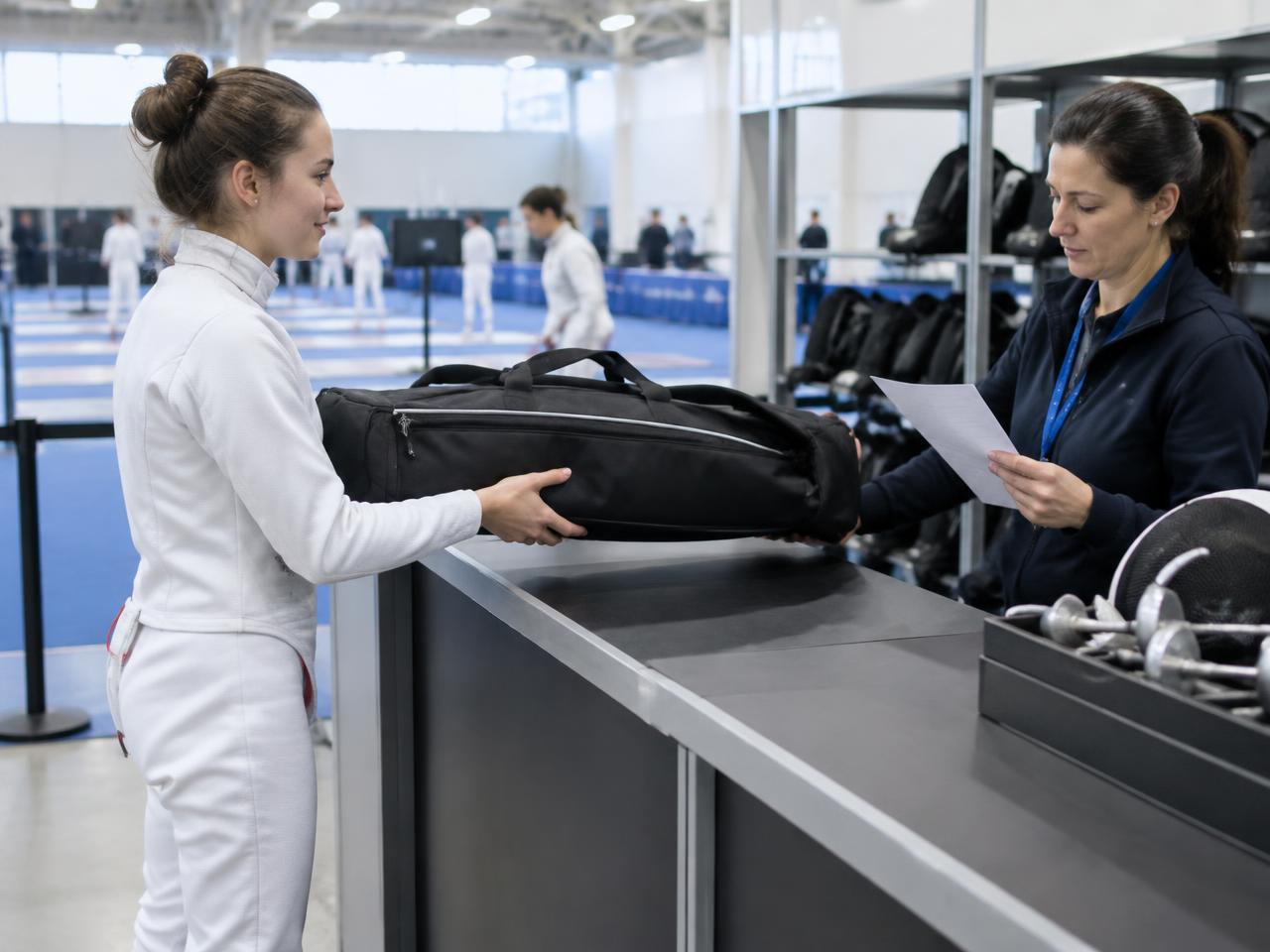
The athlete collects the equipment against the claim/reference code.
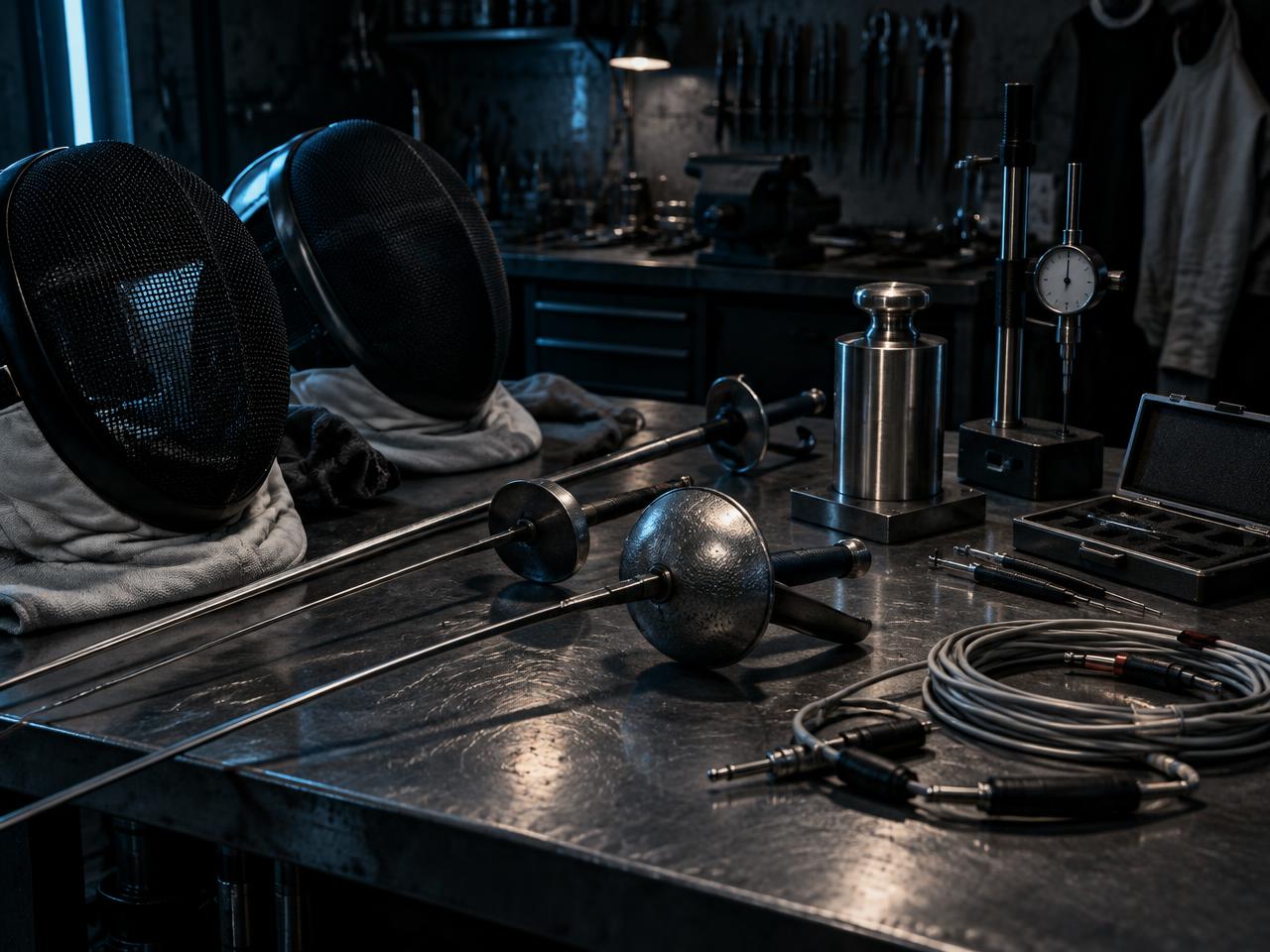
Chief Armourer and armoury staff operate together at the competition venue.
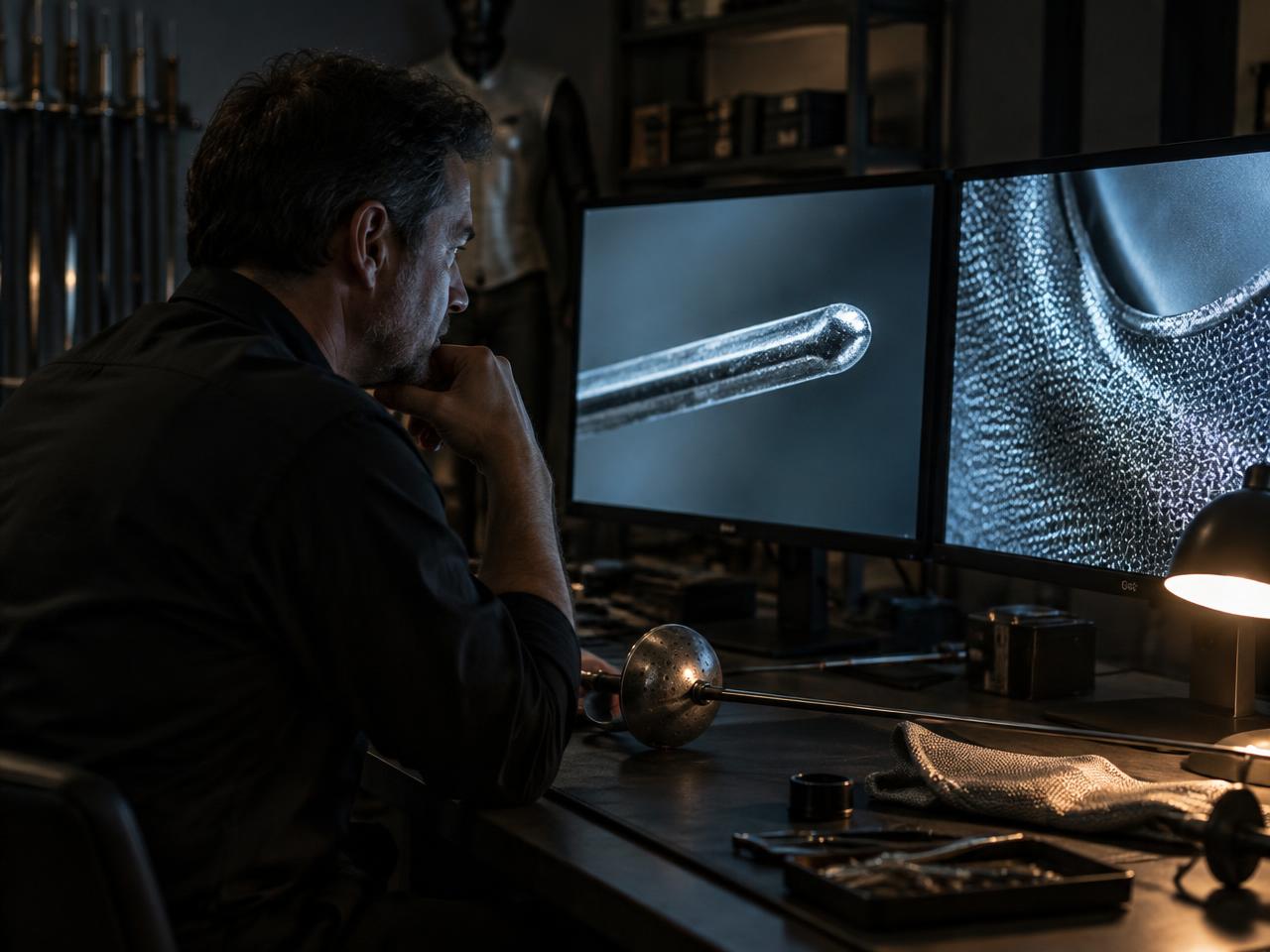
When the Chief Armourer cannot be on site, the competition operates with the Chief Armourer supervising technical decisions remotely, a deliberate operating model chosen by the organiser.
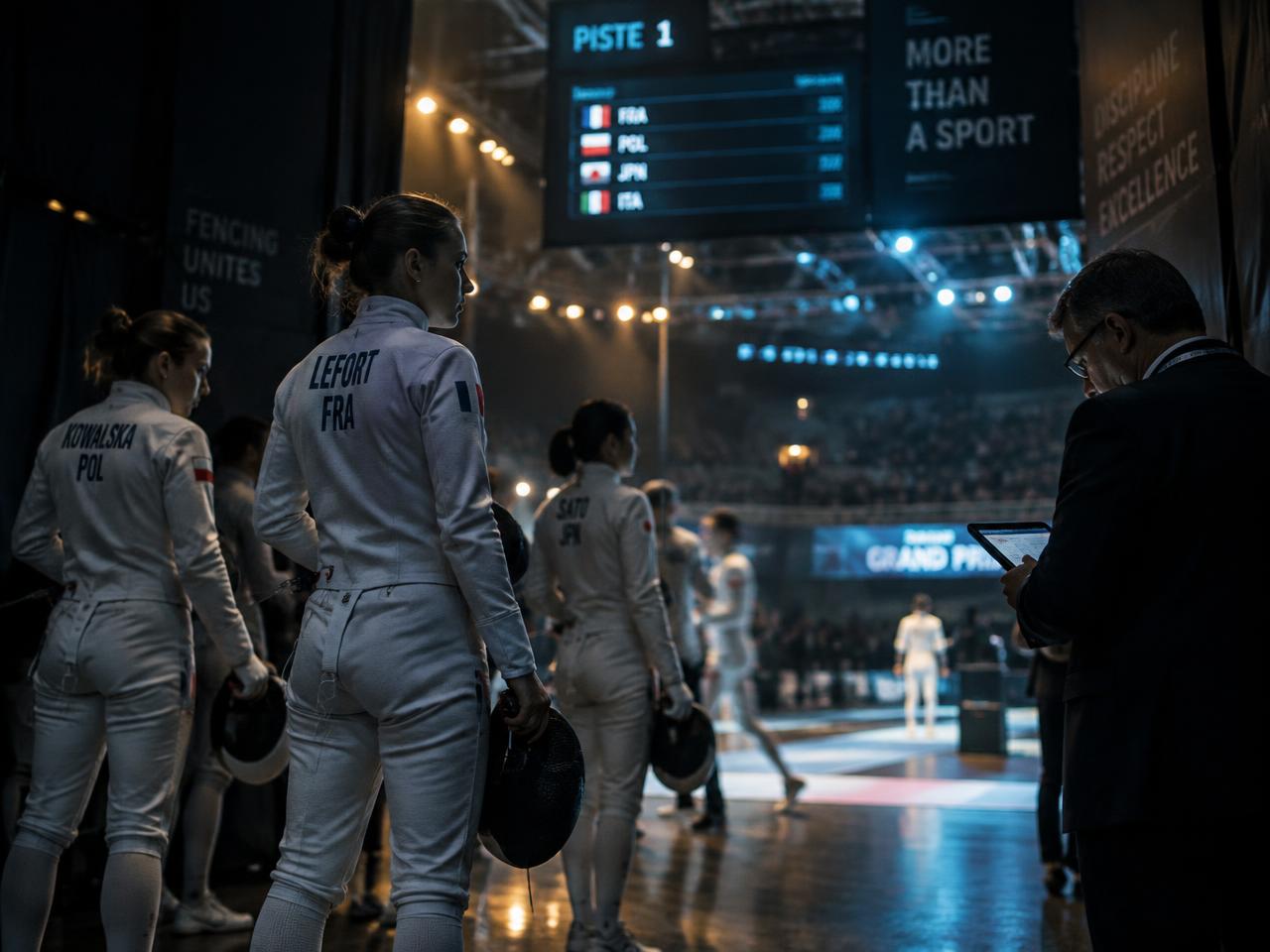
The DT sends fencers to the call room by stage, sees their equipment status and messages the Chief Armourer. Technical decisions stay with the armoury.
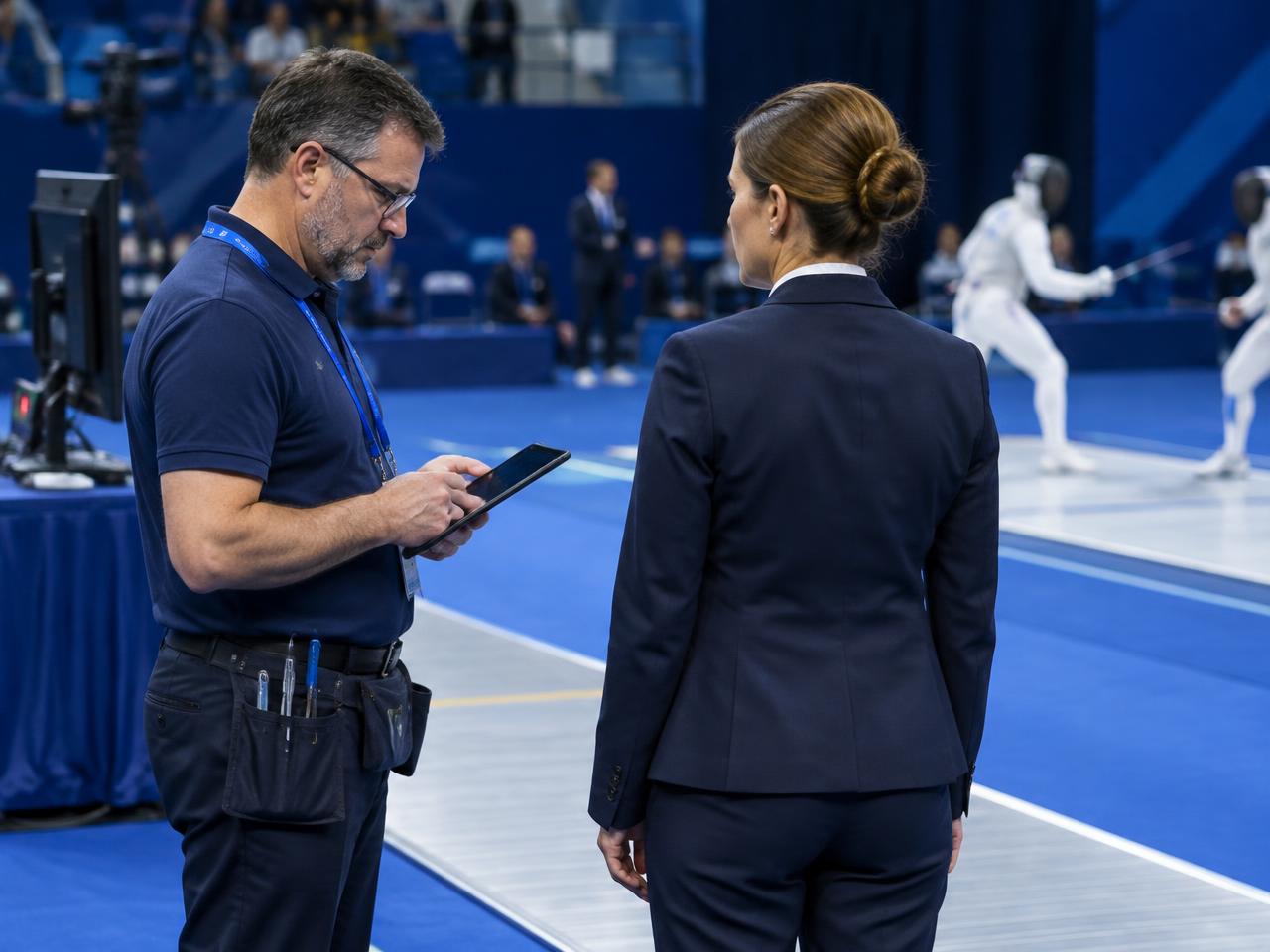
Chief Armourers and DTs keep a professional profile and logbook. Organisers send a service request; accepting it creates the assignment.
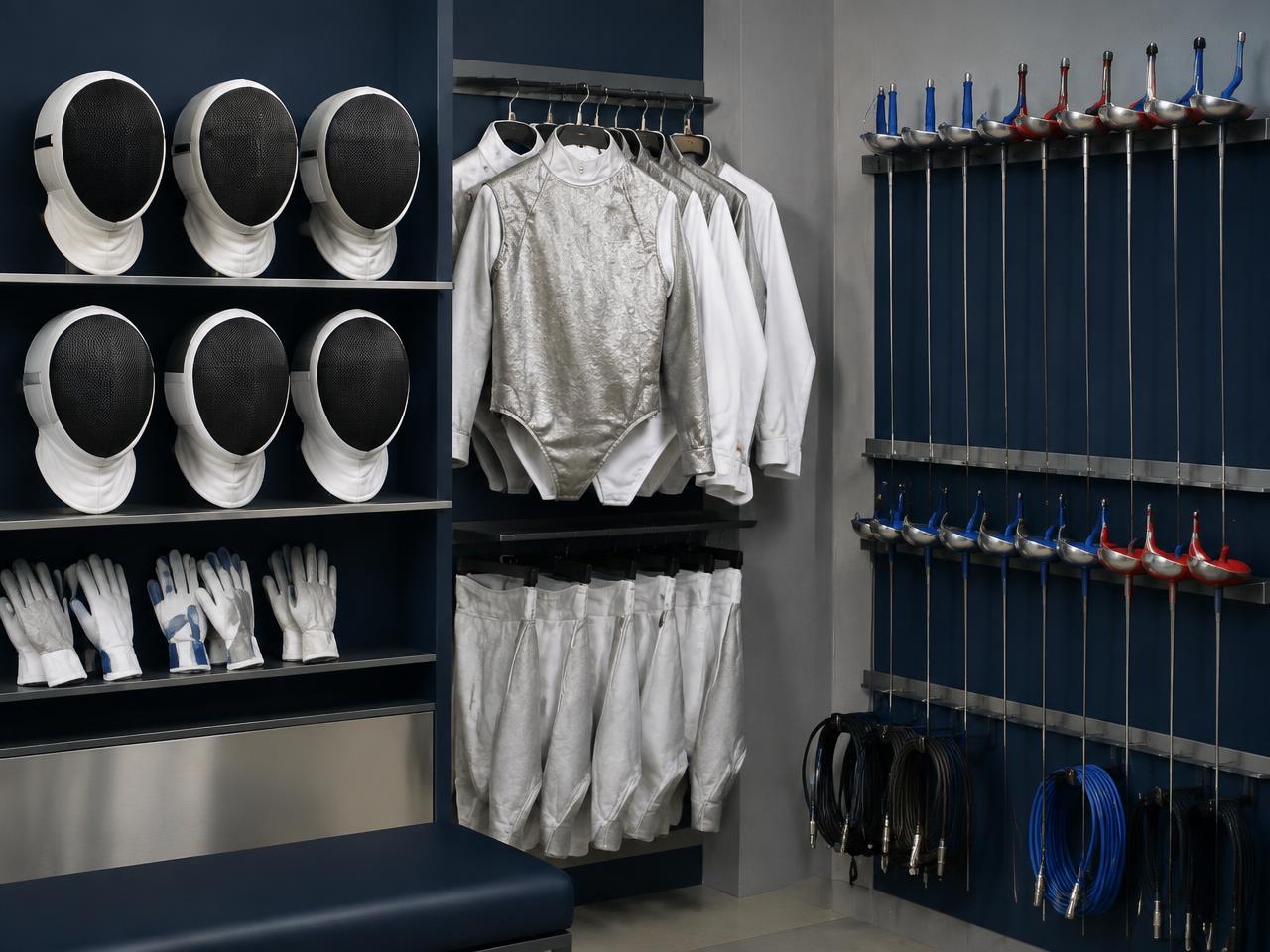
Verified brands list masks, lamés, blades and wires. Fencers filter by weapon and buy on the brand’s own store | iFency takes no orders.
Competition registration and accreditation can happen outside iFency. iFency manages the equipment-control process.